Install Tovik.
Pick your system and chip. The steps below follow your choice.
Requires macOS 15 or later.
-
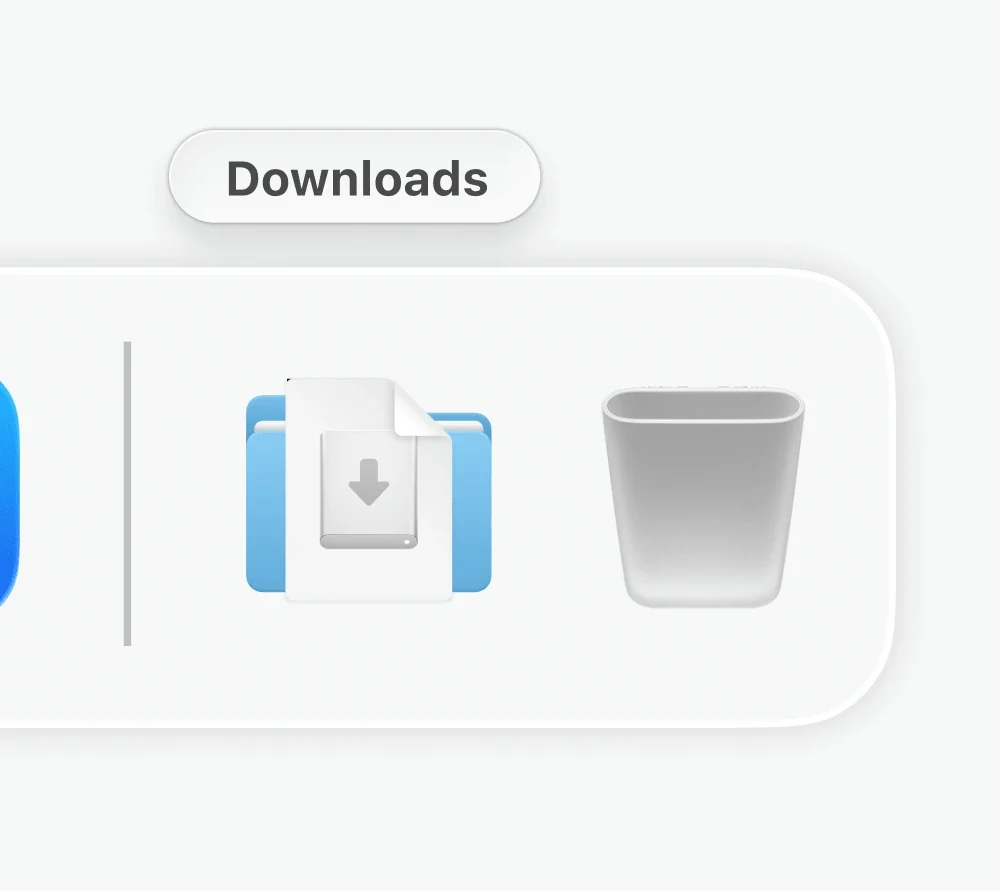
1 Double-click Tovik.dmg in your Downloads
-
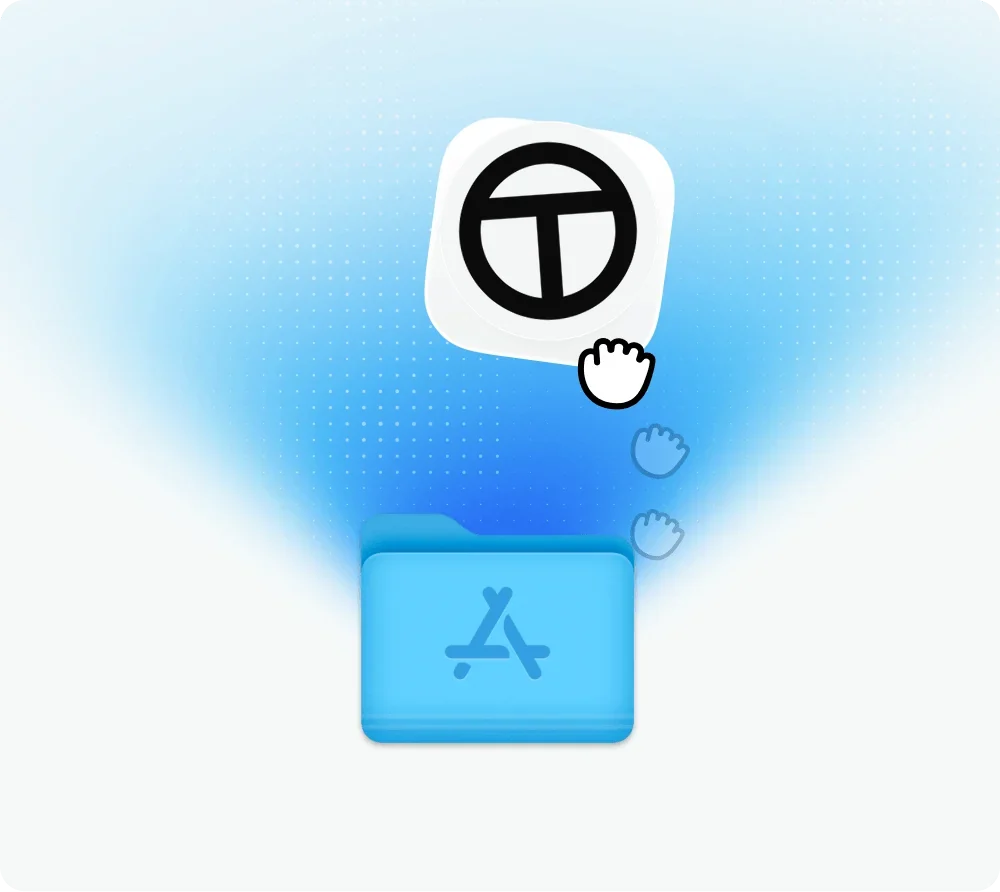
2 Drag the Tovik icon onto Applications
-
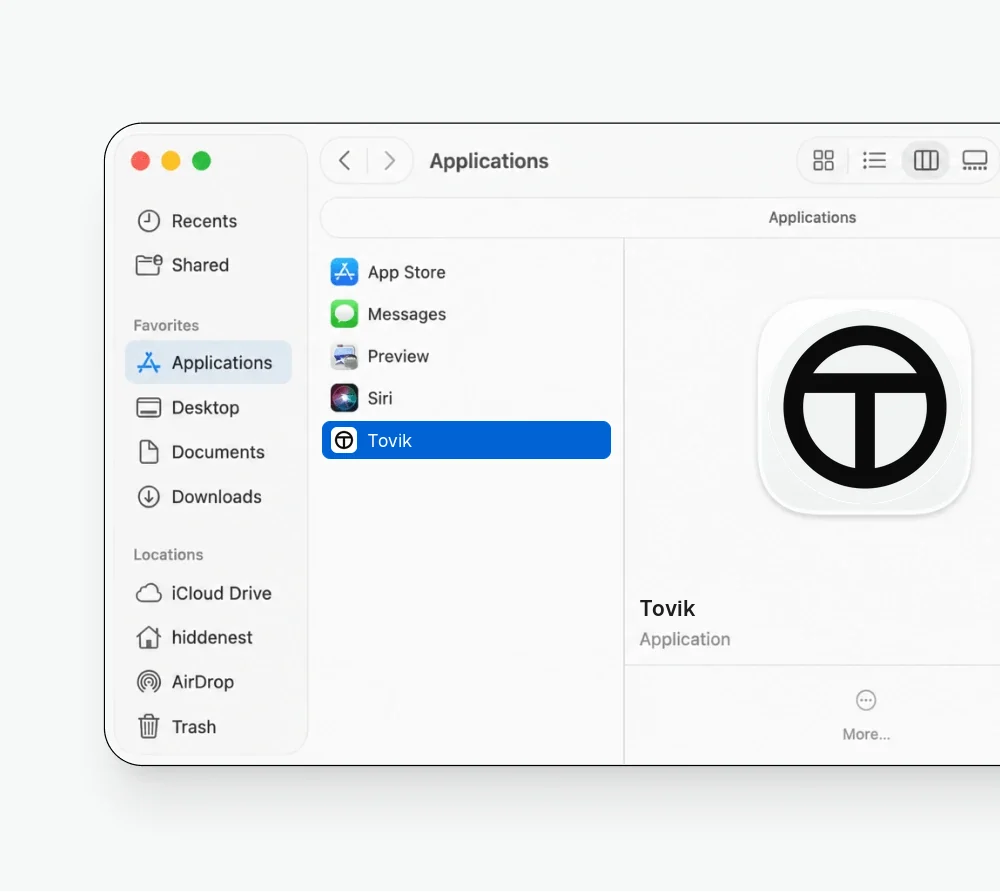
3 Open Tovik from Applications — or ⌘ Space, then type Tovik
-
- Tovik-Setup-x64.exeJust now
- report-q3.pdfYesterday
- invoices-oct.zipMon
1Run Tovik-Setup-x64.exe from your Downloads
-
Installing Tovik
Copying files to Program Files\Tovik
2Follow the Setup window to the end
- TovikBest matchTovikApp
3Open Tovik from the Start menu
System requirements
One app, four builds.
| macOS | Windows | |
|---|---|---|
| System | macOS 15 or later | Windows 10 version 22H2 or later; Windows 11 |
| Processor | Apple silicon or Intel | x64 or ARM64 |
| Installer | Disk image (.dmg) | Setup program (.exe) |
| Vault keys | Secure Enclave where available | TPM where available |
On first launch, Tovik asks which model to use — your own subscription, an API key, or the credits in your plan. Then sign in to the sites you want it to work in, the same way you would in any browser.