An agent that works where you’re signed in.
Describe the job in plain language. Tovik opens tabs, reads, clicks and types inside your real sessions — and checks in when a step needs you.
Most real work sits behind a login.
Pay stubs, calendars, admin panels, the spreadsheet everyone edits. Tovik handles them the way you would — from inside the session you already have — instead of waiting for someone to build an integration.
Pull this month’s pay stubs from the HR portal and put them in Taxes/2026.
- Opened the HR portal with your saved login
- Found 2 pay stubs dated November
- Saved both PDFs to ~/Documents/Taxes/2026
Find 30 minutes next week with the three people on this thread and send the invite.
- Read the thread and collected 3 attendees
- Compared free slots across calendars
- Drafted the invite — waiting for your OK to send
Turn the receipts in Downloads into an expense sheet with totals by merchant.
- Read 14 receipt PDFs in ~/Downloads
- Created a sheet with date, merchant, amount
- Added a totals table and flagged 1 duplicate
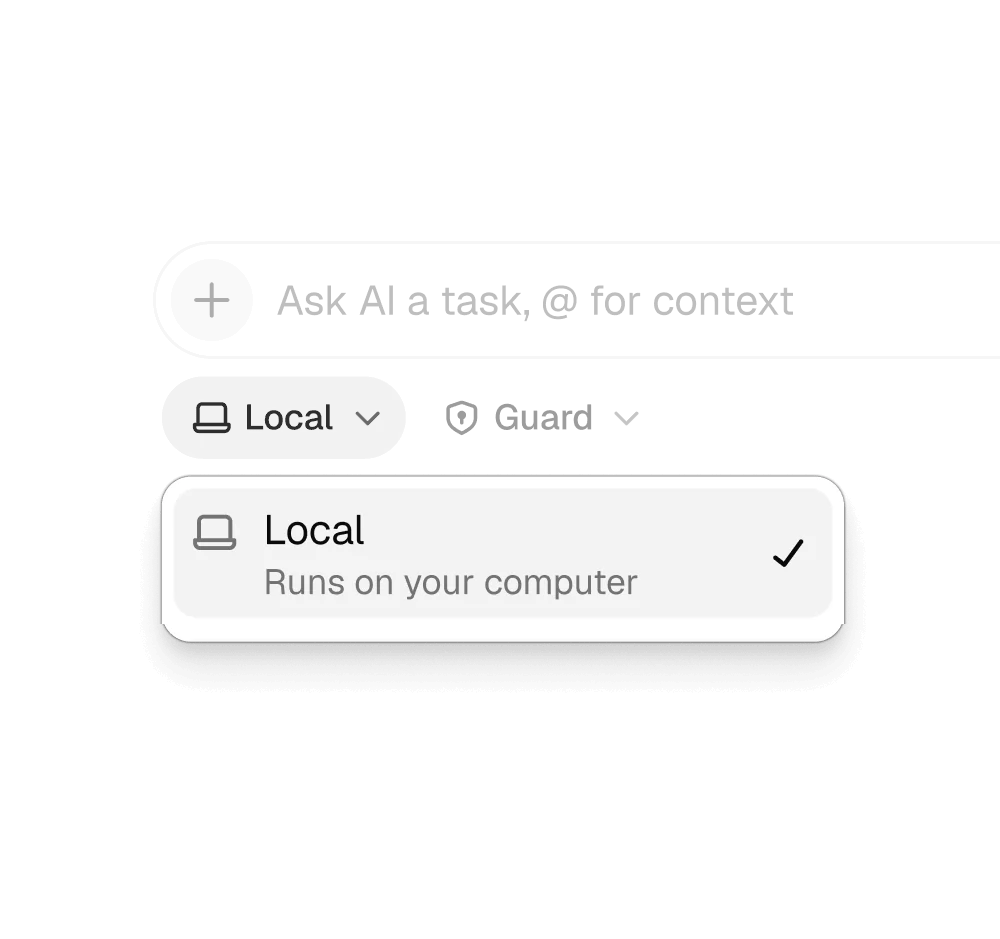
Watch it work, or don’t.
Runs happen locally, in agent tabs that sit beside your own. Switch to one to watch, take the wheel mid-step, or keep working while it runs in the background.
- Every step visible in its own tab
- Pause or take over at any point
- Save a run as a routine on a schedule
Turn the effort up for long jobs.
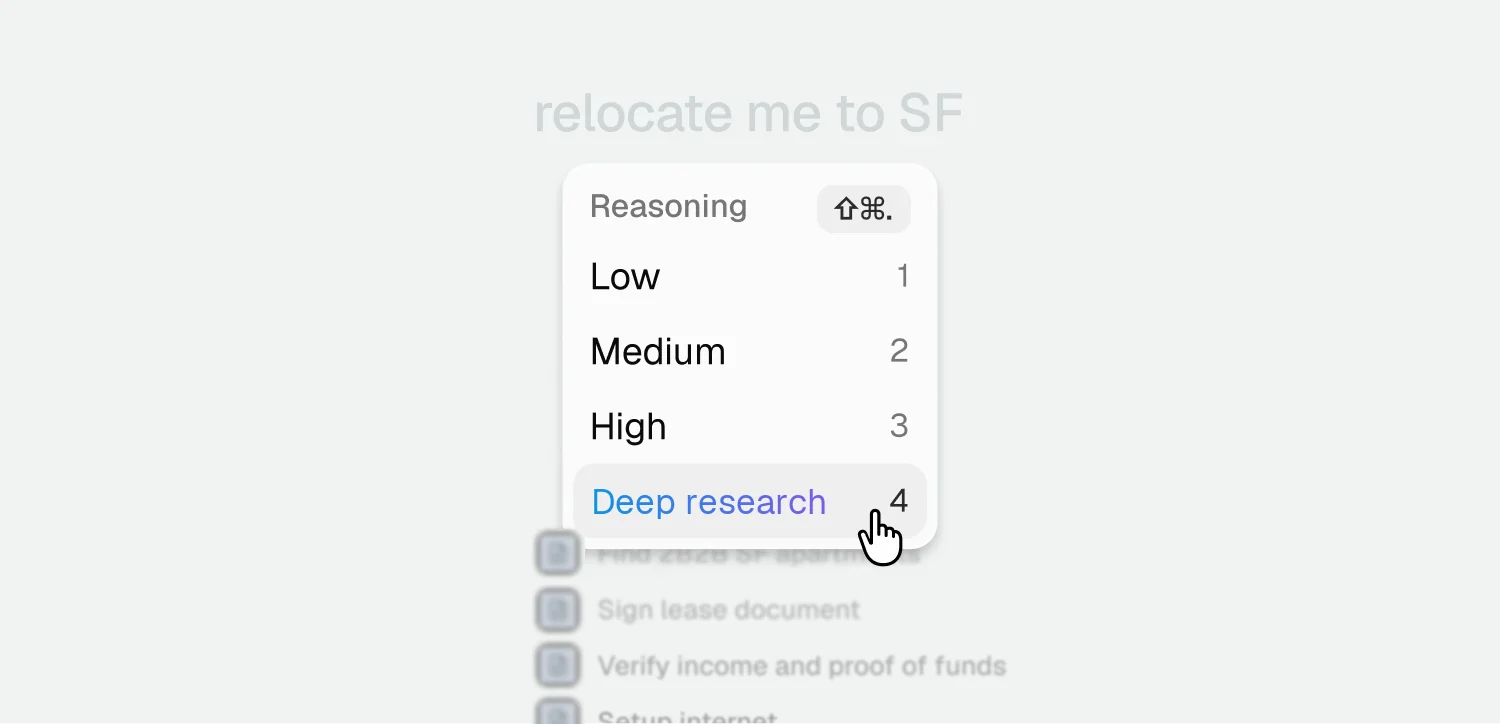
Set reasoning from Low to High per task, or switch to Deep research when a question needs dozens of pages, follow-ups it answers itself, and a written result at the end. ⇧⌘. cycles the levels.
Deep research is part of Pro and Max.
Three modes. One rule.
Pick a mode per task. Whichever you choose, anything you can’t take back waits for your yes.