Memory
It remembers the work, in files you can read.
Tovik turns finished tasks and the pages you visit into Markdown notes on your disk, then brings the right ones into the next task — so you stop re-explaining.
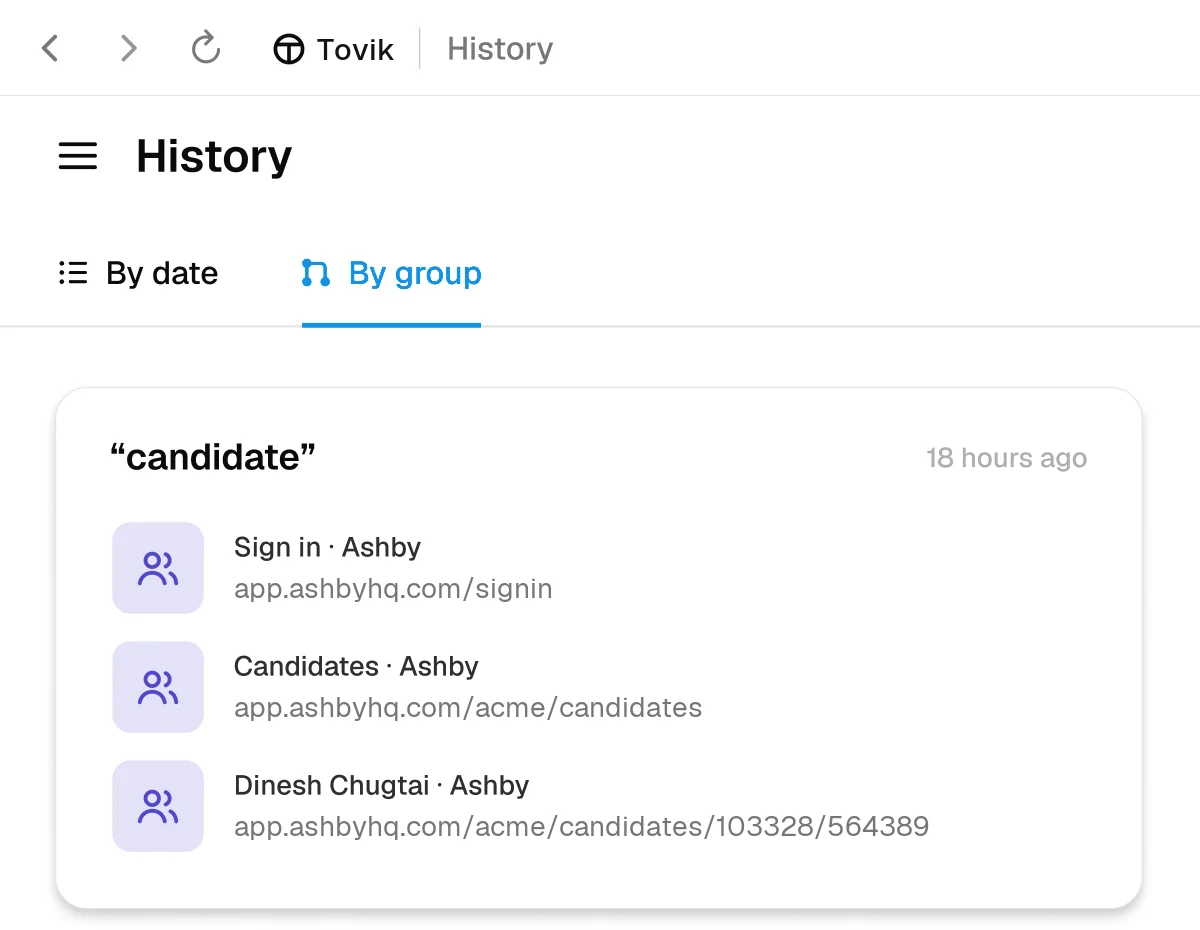
History, grouped
“The candidate I opened yesterday” is enough.
Browsing history is grouped by what you were doing, not just by time. Ask for something the way you’d remember it and Tovik finds the right pages, then the right person, then gets on with the task.
Across tasks
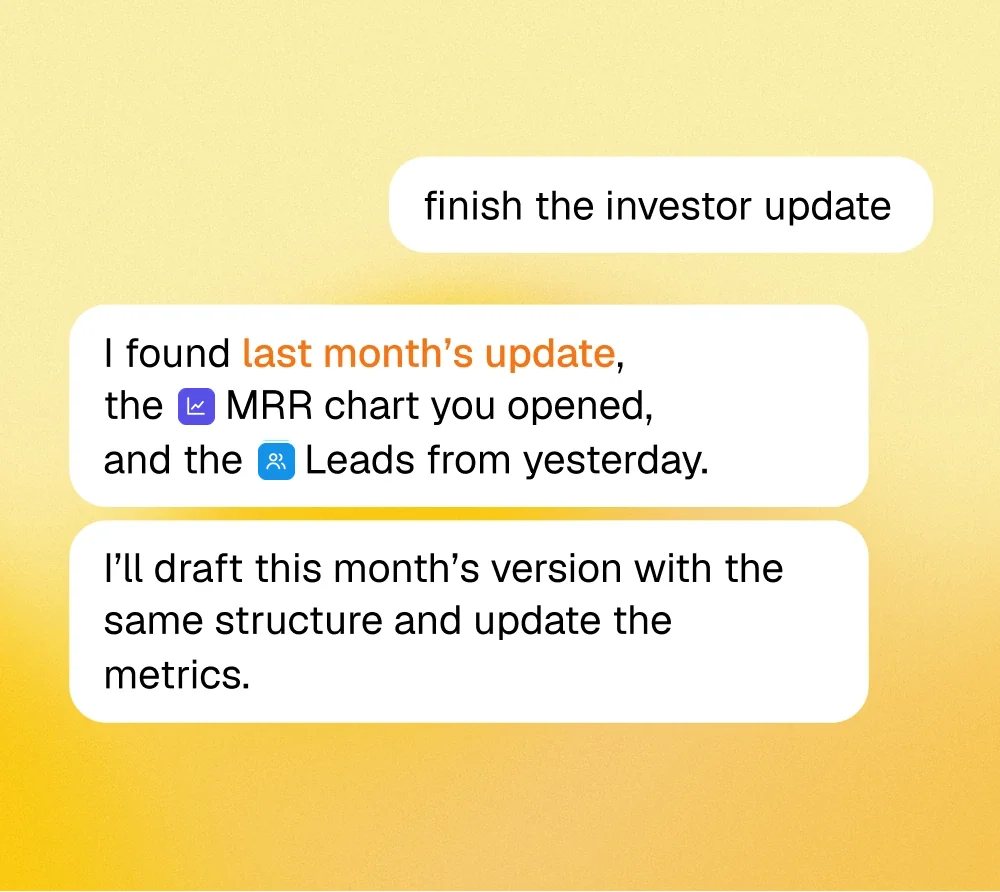
It picks up where the last task stopped.
Last month’s report, the chart you had open, the list someone exported yesterday — earlier work stays in reach, so a short ask like “finish the investor update” has everything it needs.
See every edit it makes to its own memory.
Memory lives in a folder on this computer. Each change is listed with the file it touched, so you can read the diff, correct a line, or delete a note outright.
episodic/2026-11-05.md
# 2026-11-05+09:00 Morning briefing — 11 articles, 2 flagged+11:40 Drafted reply to Nico; waited for approval+11:52 Reply sent (approved)+15:10 Filed October invoices in ~/Documents/finance
people/nico-clerk.md
# Nico Clerk-- Security lead, company unknown+- CISO at Acme Corp+- Prefers calls Monday or Thursday mornings - Source: messages tab, 2026-11-03
websites/billing-dashboard.md
# billing dashboard - Coupons live under Products → Coupons, not Settings+- "Export CSV" only appears after a date range is set+- Refunds over $100 → always ask first
- Kept on your device. Memory files aren’t shared with anyone.
- Plain Markdown. Open the folder in any editor you like.
- Site notes. When a page is awkward, the path that worked is saved for next time.